
How to make your website load faster?

Page loading speed.
Why do we often leave a website before it has even opened, or quit the site frustrated? Could it be caused by its slow loading or by the fact that it did not open within 5 seconds?
In short
To make a website load faster, take care of several things at once: optimise and compress your images, minify your code (HTML, CSS, JavaScript) and cut down on unnecessary scripts, choose reliable hosting, remove redundant plugins and eliminate redirect chains. Track your progress in Google PageSpeed Insights — the higher the score, the better the user experience and the higher your position in Google.
Who loses the most from this? Both parties.
The user does not find the information they were looking for, or does not buy the product/service they were interested in. The site owner records no conversion, sells none of the goods on offer and does not increase the number of completed forms.
Nobody benefits from a site that is not fully accessible and friendly to internet users. Fast websites record up to 25% more ad views, enjoy a better reputation and, importantly, are characterised by a lower bounce rate (a bounce is a session on the site limited to a single page).
How important is the loading speed of a website?
The importance of how fast a website loads is covered in SEO information and guides. It is one of the more important ranking factors. Every slowed-down site is rated by Google as unfriendly, which in turn lowers its position in the search results.
What should the page loading time be?
As short as possible. Here it is worth using the PageSpeed Insights tool. The better the score, the higher the rating we receive from Google and, consequently, the better (higher) the place in the search results. How do you do it?
Go to https://developers.google.com/speed/pagespeed/insights/?hl=en and enter the address of the site you are interested in. Here you can also check competing companies operating in your industry.
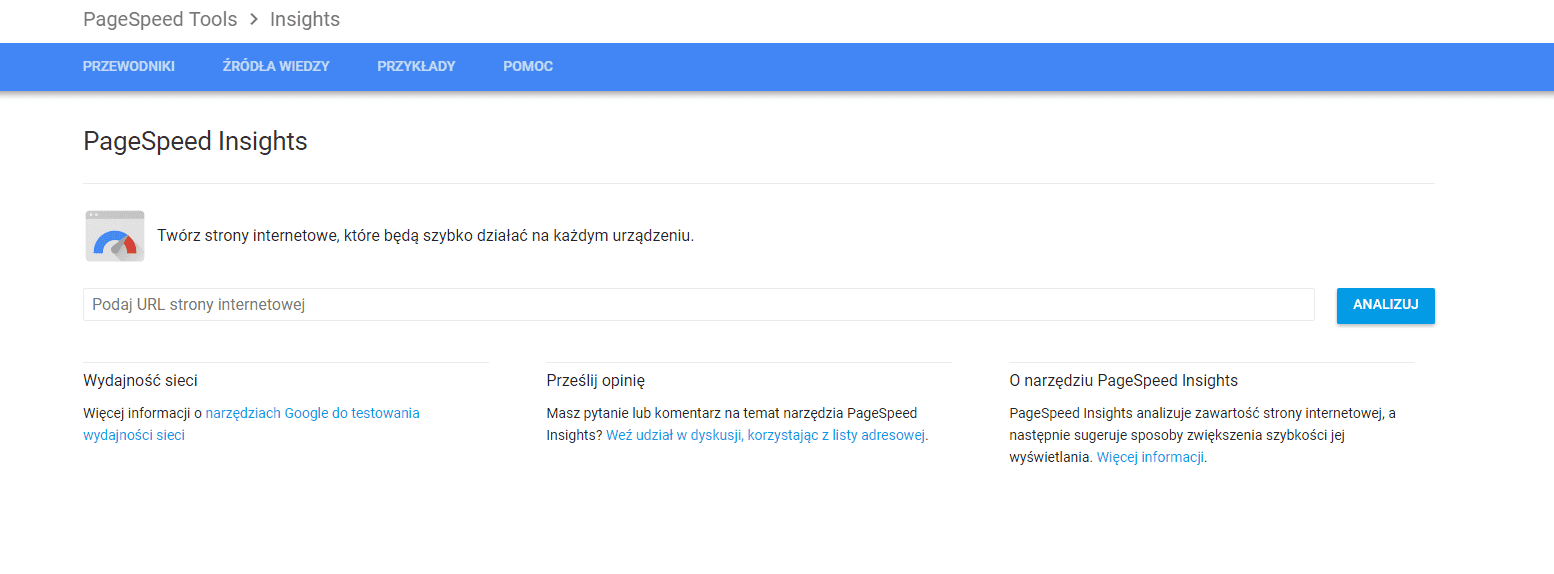
The result that appears is very easy to read: you will receive tips on what else you can do and which page elements need optimising to improve the speed of the website, both on PC and on mobile devices.
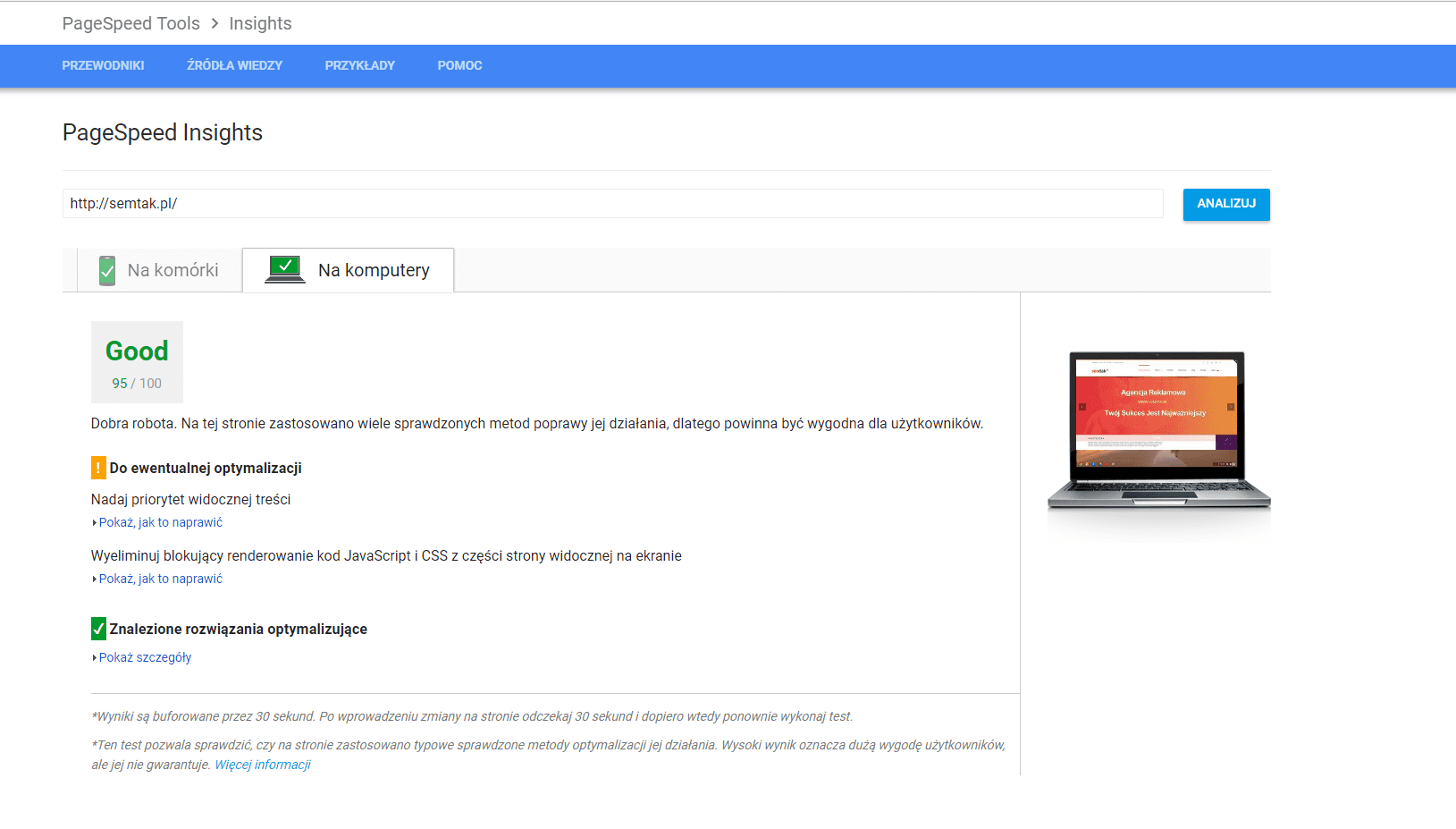
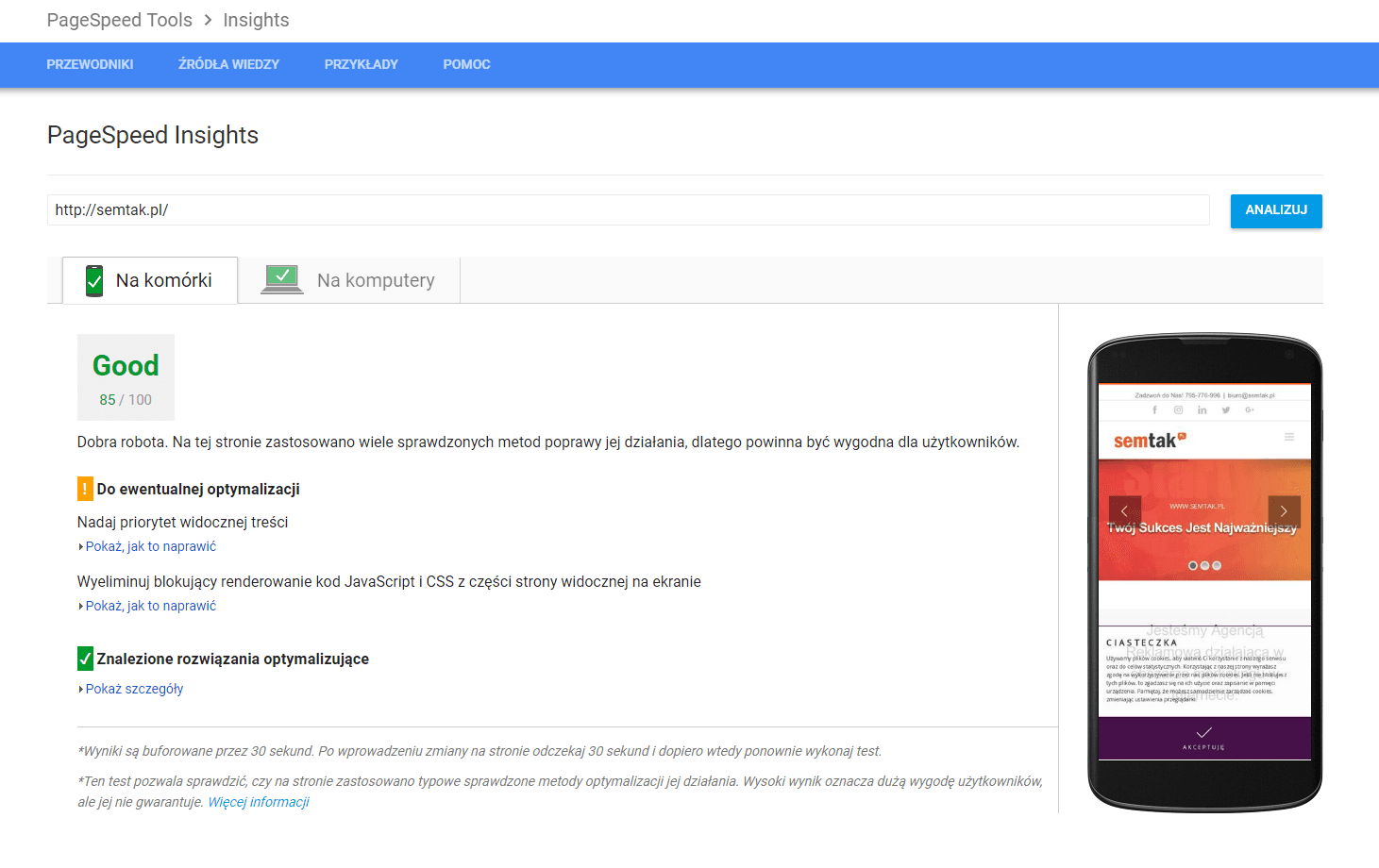
What actions do you need to take so that the loading time is as good as possible?
1. Check the website's source code,
remove unnecessary scripts so that web browsers load the page content faster. Reduce the size of the code files — even seemingly insignificant things such as spaces, paragraphs, comments or line breaks take up a lot of room and, as a result, affect page speed. You should also pay attention to the use of JavaScript, which significantly slows sites down. Where possible, it is worth doing without it. When it is a necessity, we advise following Google's guidelines — loading JavaScript directly in the page code (if the script is small), loading it with a delay or asynchronously. Applying code compression, for example using https://jscompress.com, will also have a positive impact on the speed at which the website loads.
2. Shrink your graphics,
good-quality photos catch users' attention but unfortunately slow the website down, because they usually come with huge file sizes. That is why, before uploading an image to the server, convert it and reduce its size. Thanks to tools such as tinyjpg.com you can optimise .png image files without losing their quality, and with ezgif.com you can optimise .gif files.
You can also use the Compressor tool. Very easy to use, and the results are impressive. How do you use it? Here is a step-by-step guide.
- go to https://compressor.io/and click TRY IT
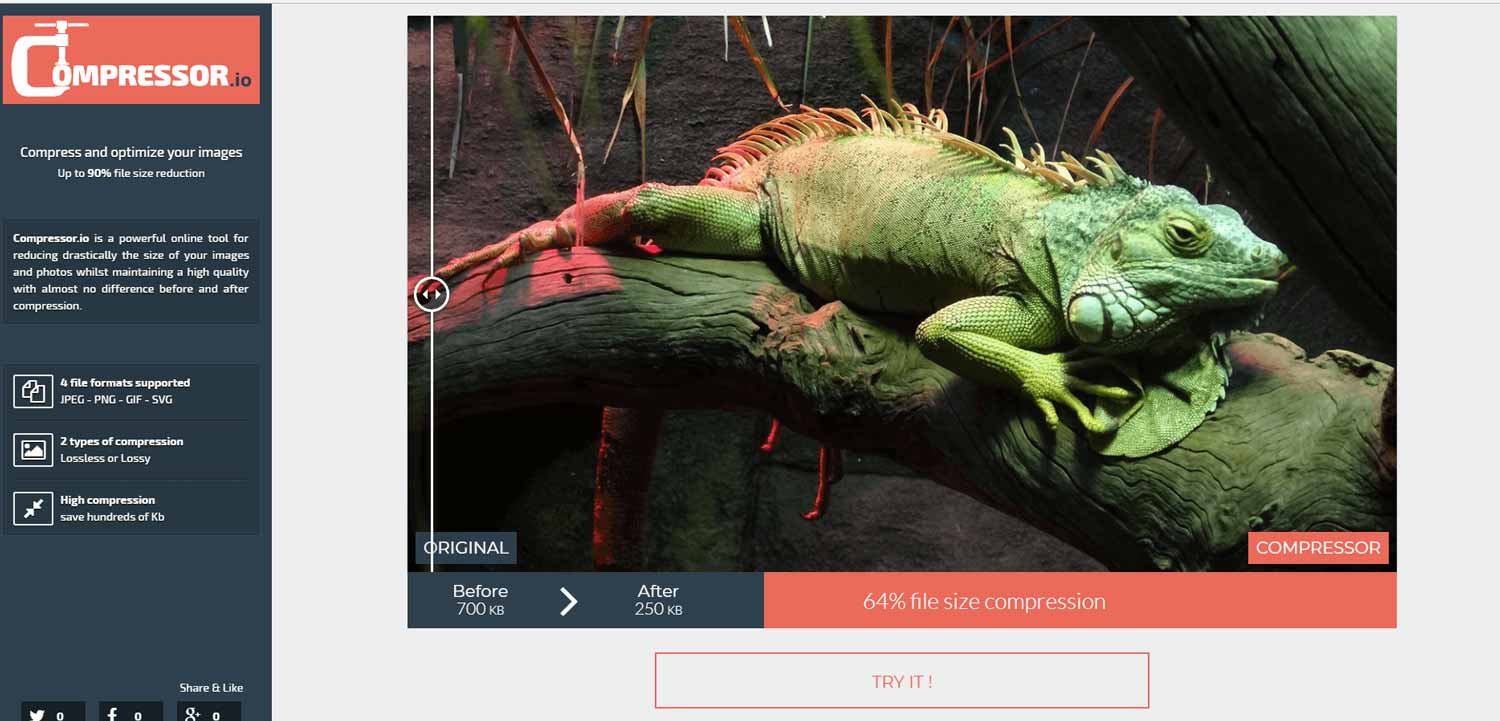
- select an image by clicking SELECT FILE
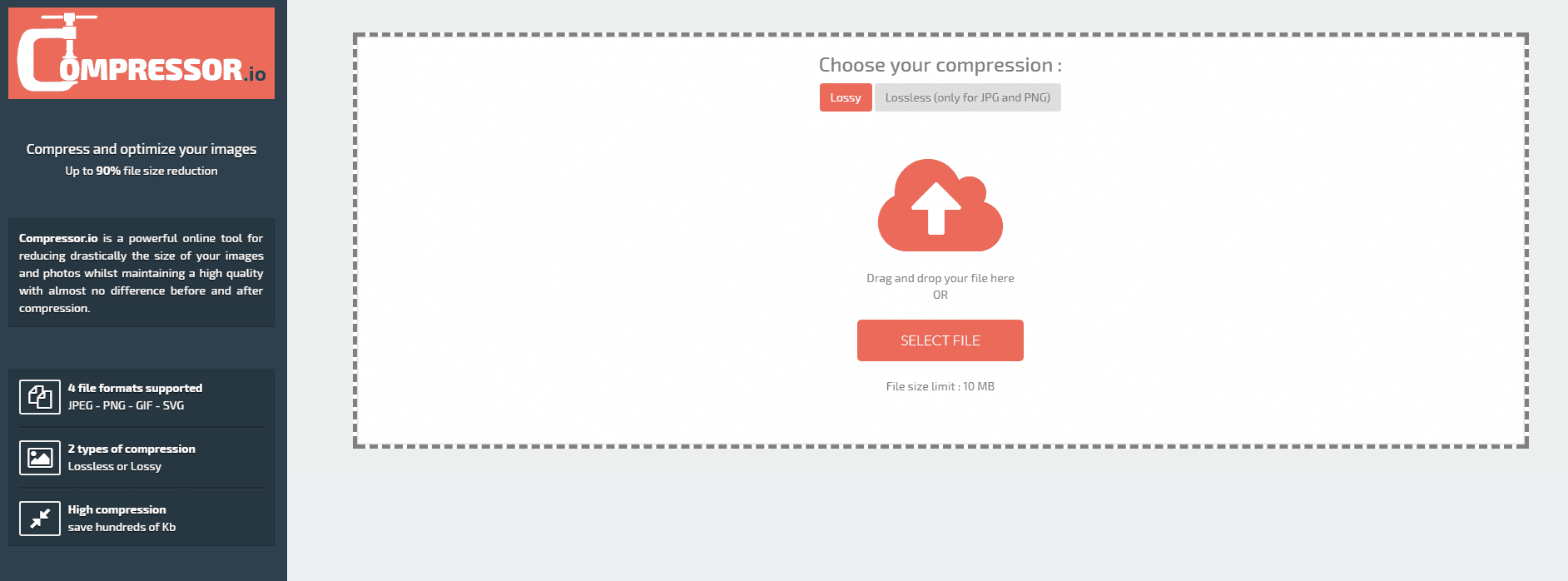
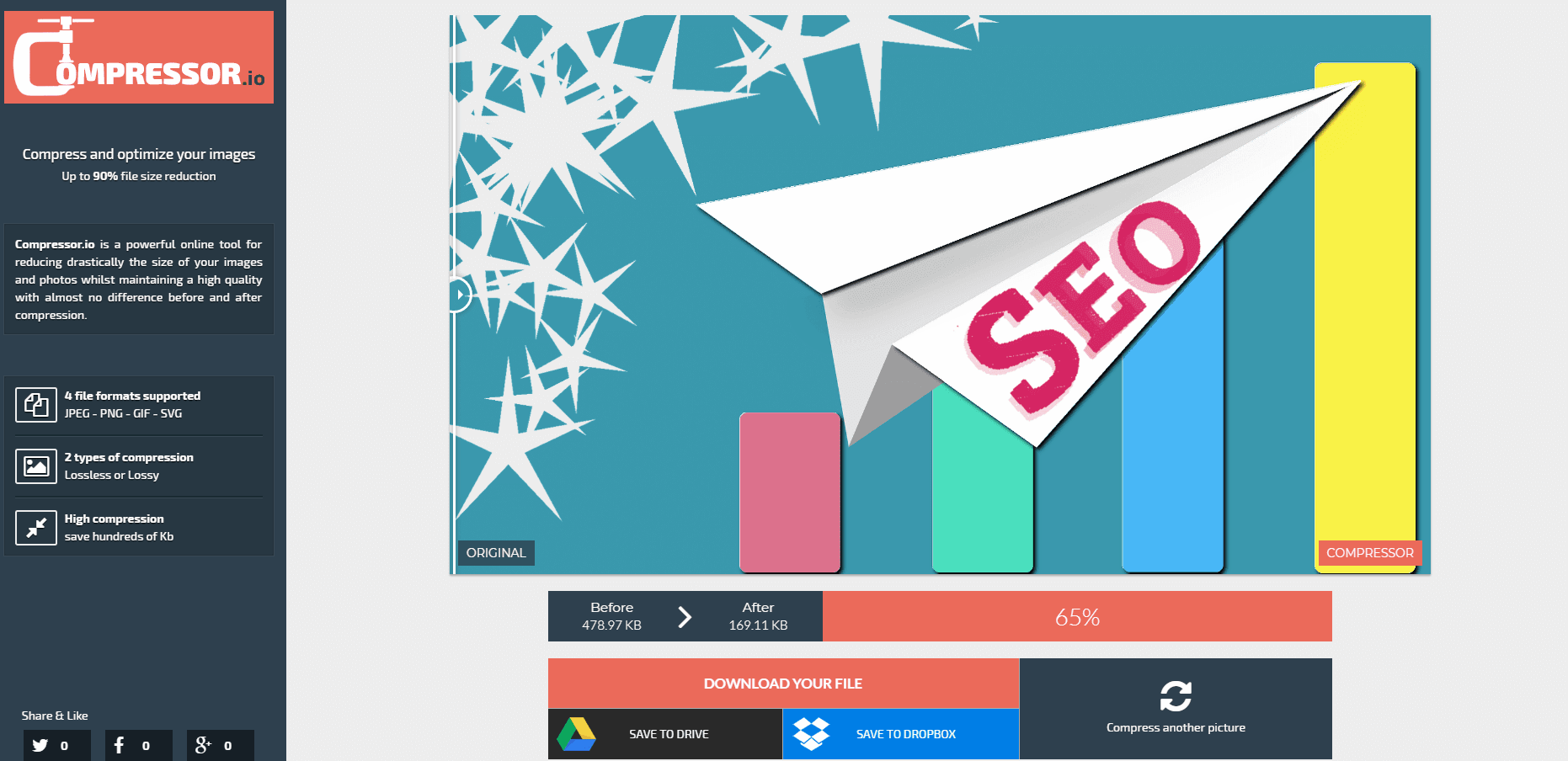
and you're done!
And the result? Pretty good!!

3. Decide on reliable hosting,
the loading time of the site and its availability to internet users depend on it. We should not opt for free hosting, because unfortunately it is not very attractive. A paid hosting service is more stable and reliable. What else should we pay attention to: above all, how much server space we will be allocated within the hosting, bandwidth — this parameter will determine how our website functions, transfer — the more traffic on the site, the larger the transfer should be, technical support offered as part of the package, and reviews of the given hosting.
4. Check your redirects,
every redirect triggers the page to be called again, which in turn lengthens its loading time. We all know that 301 redirects are important, because they tell users and search engine robots the new location of a subpage and, thanks to this, we avoid displaying 404 errors. Let us focus more on analysing and checking whether we do not have multiple redirects that point to a non-existent page that redirects to yet another subpage. Such a situation should be eliminated and tidied up straight away.
5. Review and uninstall unnecessary plugins,
and also remove plugins that no longer work. They too can affect the page's loading speed. Owners of sites based on WordPress or Joomla should pay particular attention to this. Plugins vary in how extensive they are and how much they affect the site, but a large number of them can clearly worsen its performance. It is therefore worth thinking carefully about whether every installed plugin is really necessary, and checking in the panel that you have not forgotten to uninstall plugins that are no longer used or whose functionality "overlaps" with others.
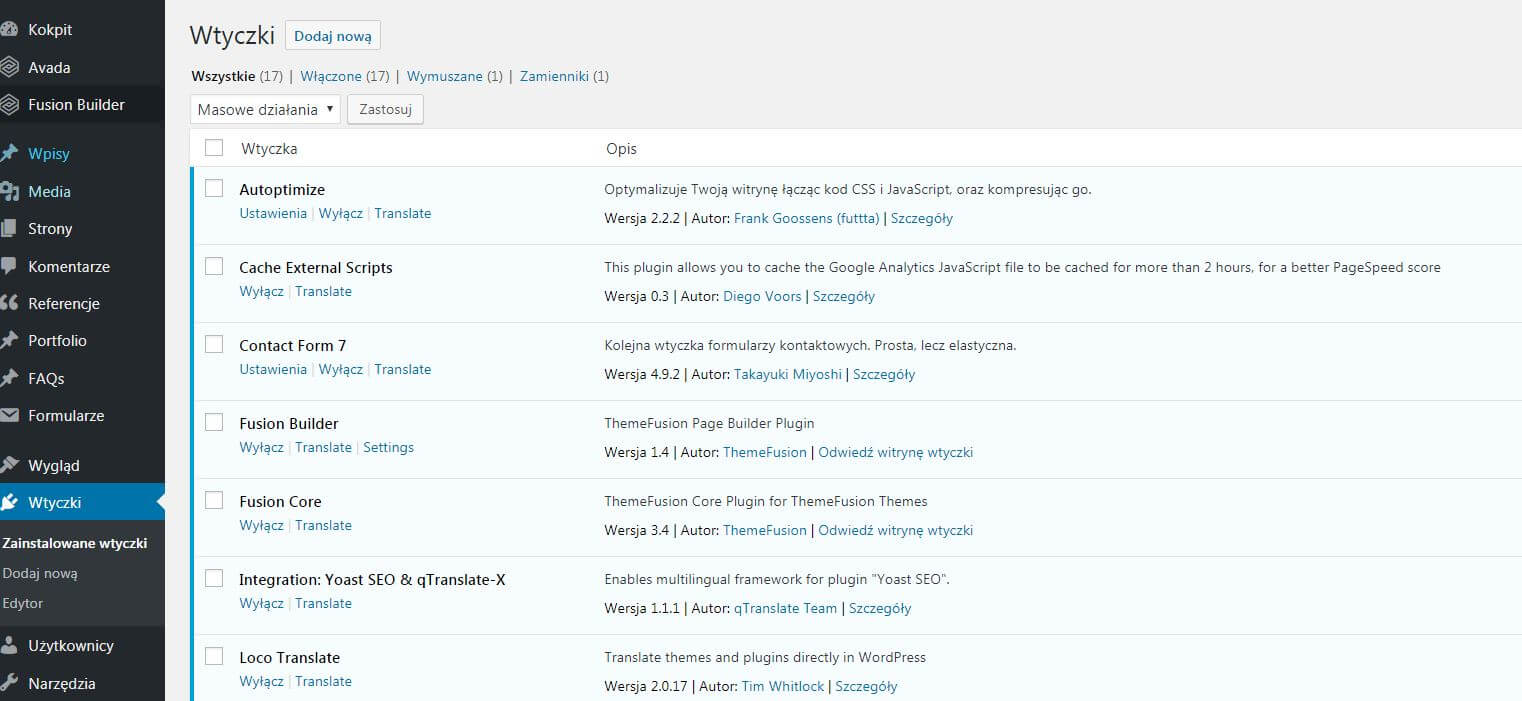
Let us remember not to use plugins that have not been updated for 12 months.
Summary
If you have noticed that your site no longer loads as fast as it did at the beginning, do not wait — be sure to test it and take the appropriate action to eliminate the problem as quickly as possible. Remember to do this systematically. Only in this way will you achieve success.