Email marketing with GetResponse — who is it for and what tools does the mailing system offer? Do you want to introduce email marketing with GetResponse to your company — is it worth it? Are you wondering which tool to use to make communication with your customers easier?
Today we will describe the GetResponse system, thanks to which you will be able to run email marketing and much more.
In short
GetResponse is an all-in-one email marketing platform suitable for both beginners and advanced users. It offers a visual newsletter builder, ready-made templates, contact lists and sign-up forms, detailed campaign statistics, plus landing pages, surveys, webinars and marketing automation. You can test the whole system free for 30 days before deciding whether it fits your needs.
Who is Email Marketing with GetResponse for
Email marketing with GetResponse is a great solution for everyone — both for people who are just starting out with email marketing and for more advanced users.
Thanks to being split into four plans, everyone can choose the solution that suits them.
If you are only just starting your adventure with email marketing and have never used any tool for this purpose, it is worth taking advantage of the 30-day trial period to test all the system's capabilities and check whether this solution is right for you.
Registration takes place in 3 steps. Providing a few details, then confirming your email address, and filling in detailed contact information — the whole thing takes a maximum of 5 minutes.
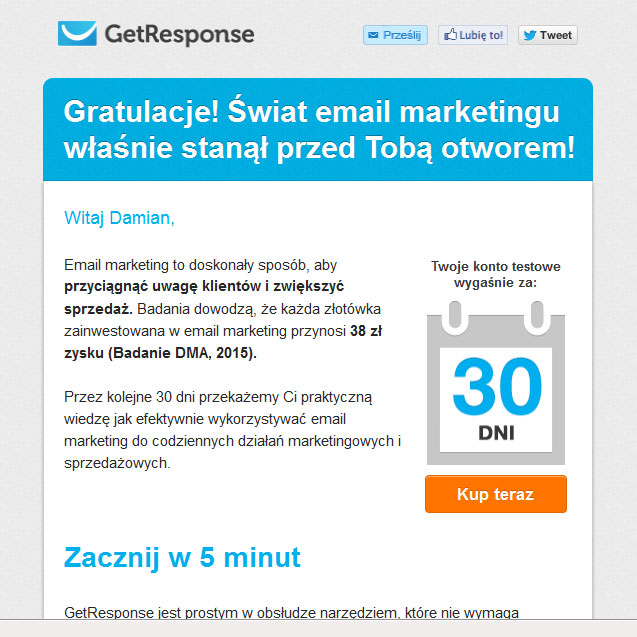
In the first email from GetResponse, you will receive a welcome message, an invitation to training sessions, and an introduction to the guides prepared by the service to help you increase the effectiveness of your email marketing.
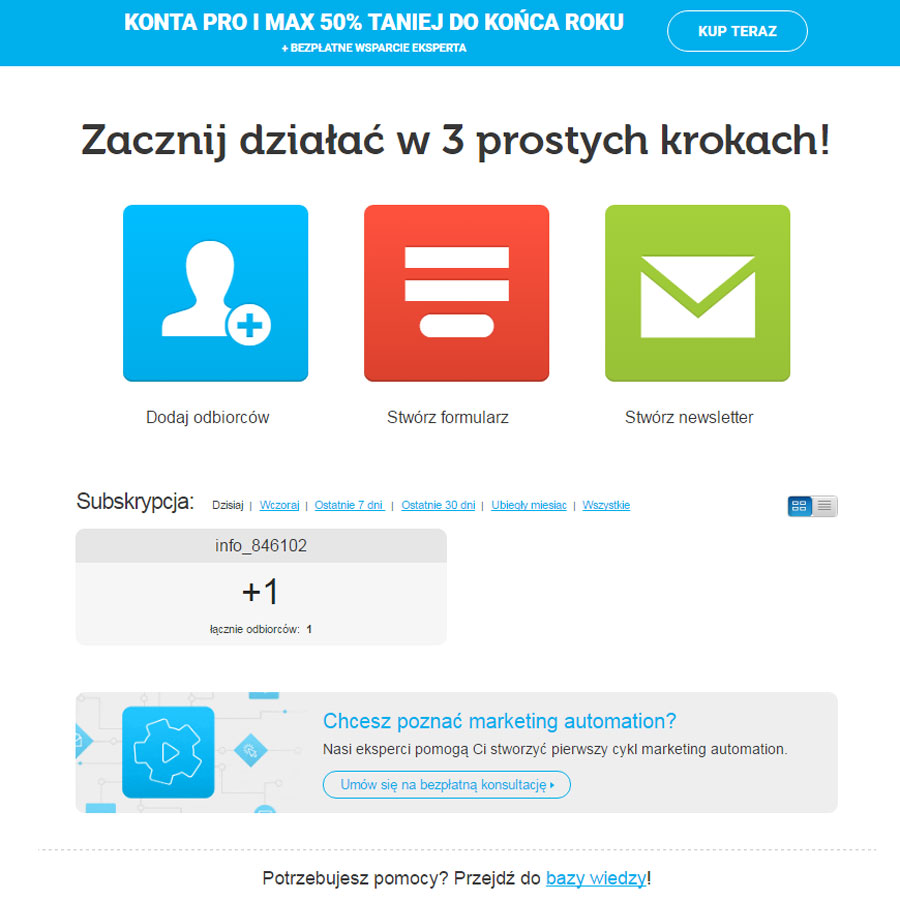
After logging in to the site, a very simple wizard appears, allowing us to add new recipients — manually or by importing from a file — to create a sign-up form for new users, or to create a mailing.
We create a contact form so that new recipients can fill it in by providing, for example, their name and email address and sign up to our mailing list. Thanks to this, we will be able to send email messages to them.
A newsletter is nothing other than the message we want to send to our recipients.
This is exactly where the fun begins for new users who do not know HTML and CSS programming — thanks to the visual builder they can create advanced emails that adapt to mobile devices in a very user-friendly way. In addition, GetResponse offers a great many templates that we can rework and adapt to our needs without having to create a new message from scratch.
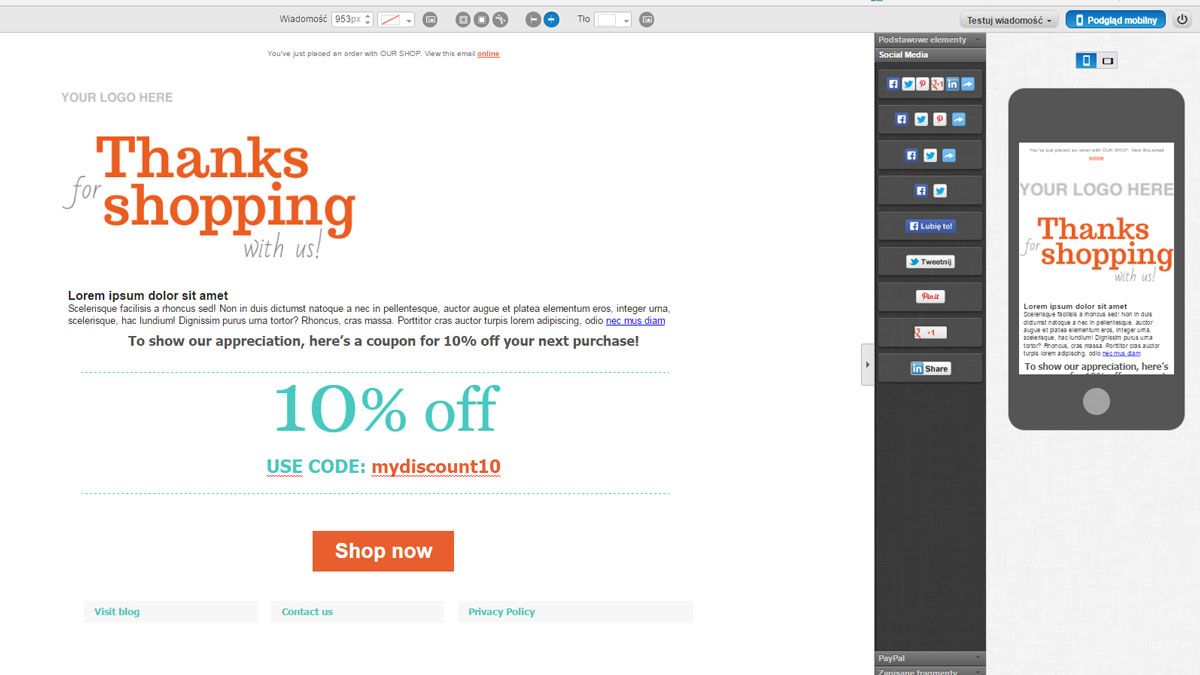
At this stage we get 3 very useful options located in the top right corner.
1. Sending a test message to our own mailbox.
2. Checking how our message will be displayed to users across various browsers and email clients.
3. SpamScore, which checks whether our message will be interpreted by browsers as SPAM.
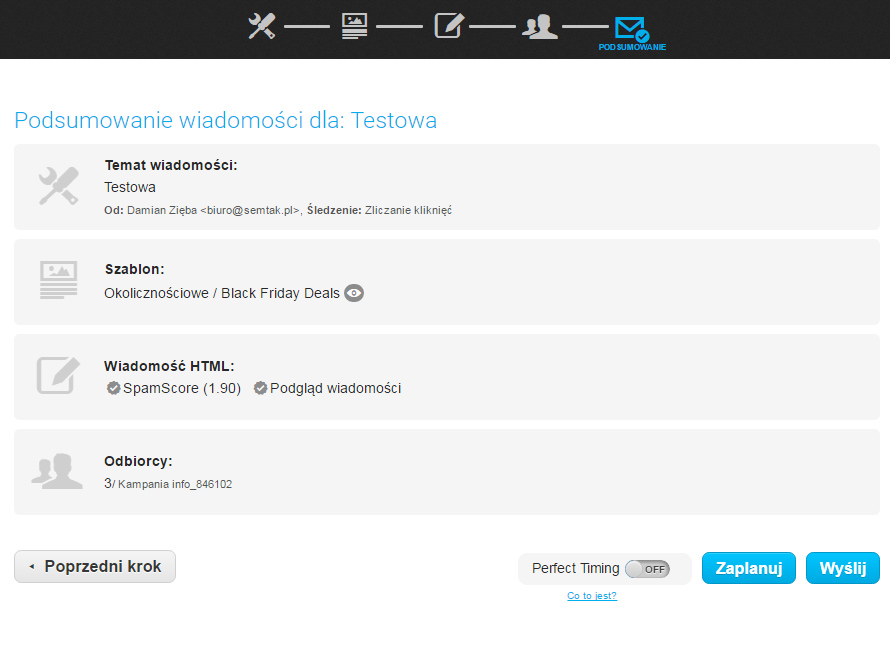
After creating the message, we click the button in the bottom right corner — „Next Step” — after which we set up our campaign and send it!
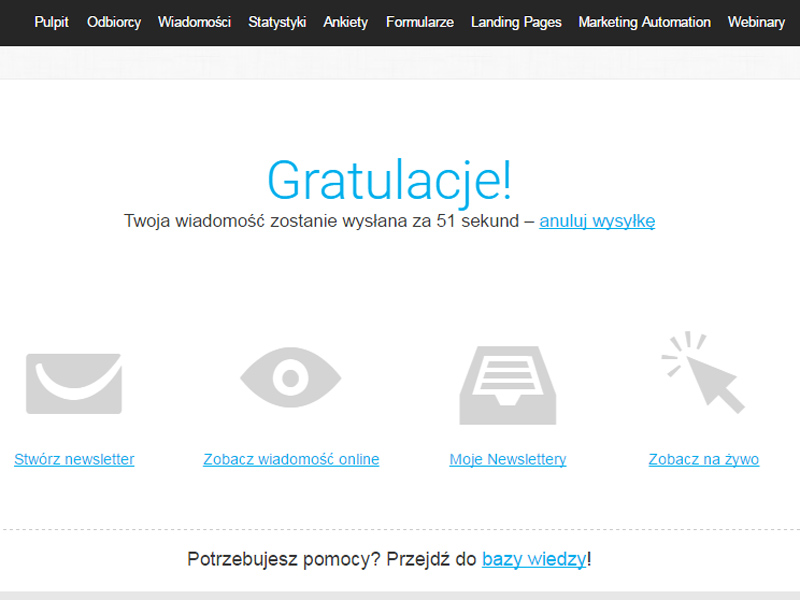
After a moment our mailing will be sent.
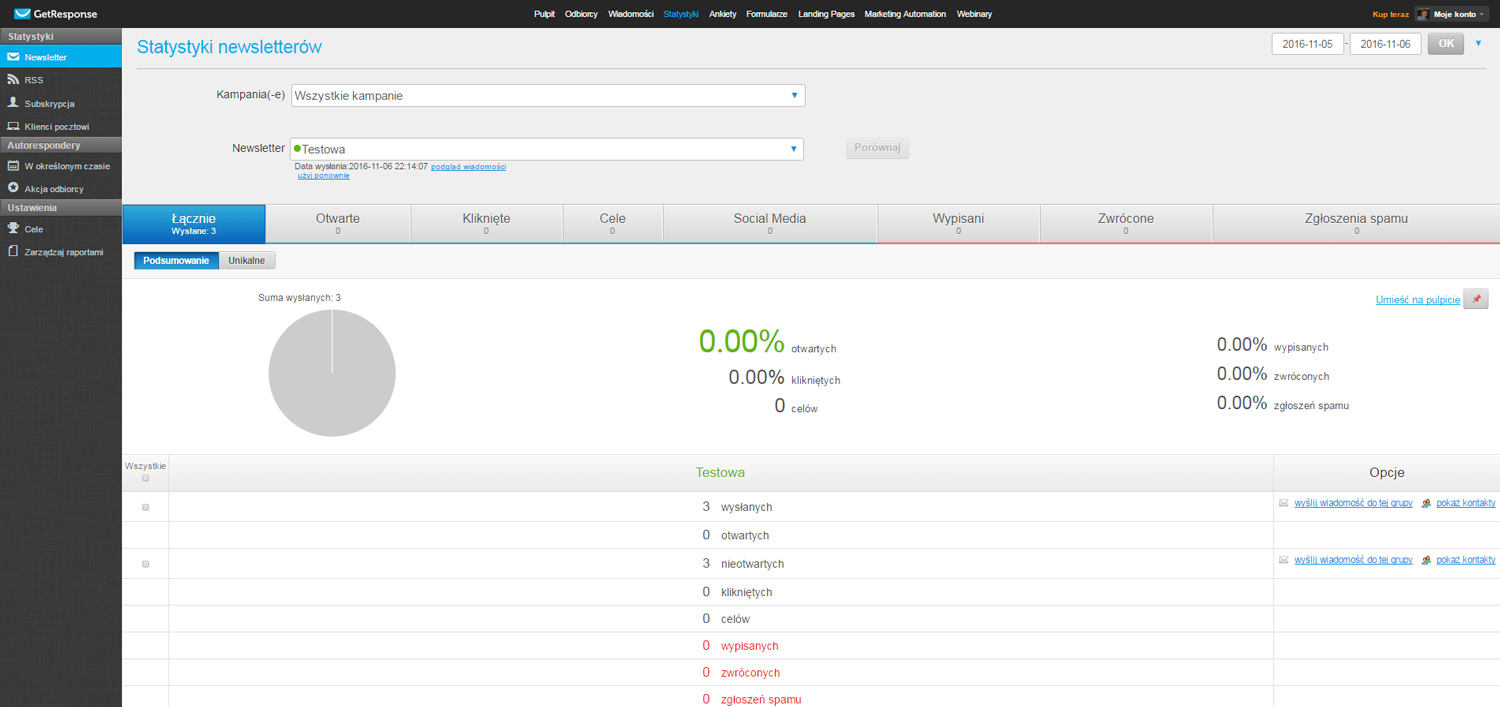
Statistics in GetResponse
Now all that remains is to reap the fruits of our campaign. Of course, such an advanced email marketing tool as GetResponse offers extensive statistics, thanks to which we can check how our messages are being received by readers.
Other features of the GetResponse platform
Apart from sending emails, it also offers:
– creating forms
– creating surveys
– landing pages
– webinars
– and marketing automation
Email marketing with GetResponse is pure pleasure. See for yourself and test the software free for 30 days. >> Try it <<